Library
AI Tools

Building Characters and Longer Videos in Weavy Without the Manual Grind

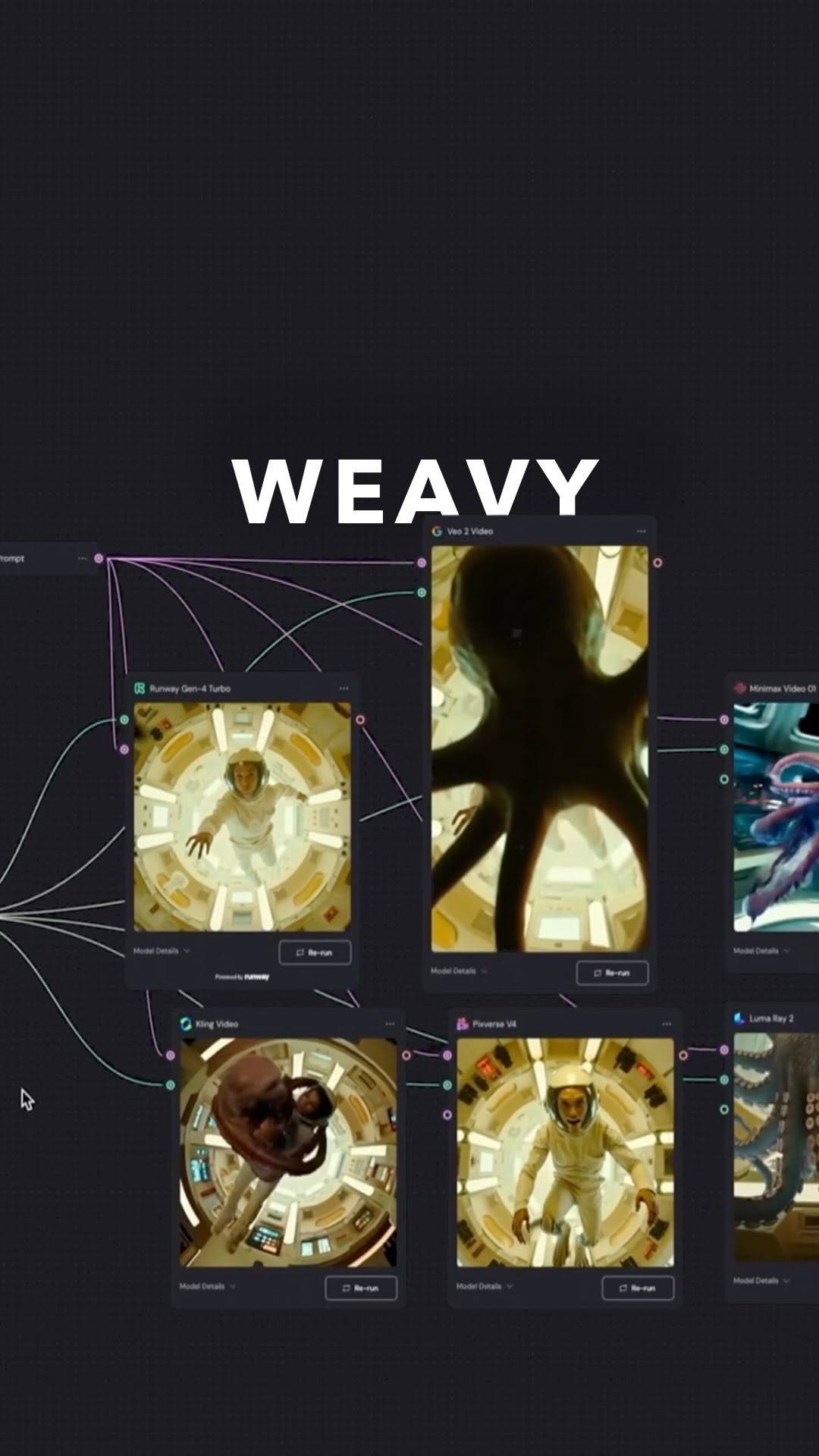
A closer look at the node-based workflow I built in Weavy to create a consistent character and extend a video from one prompt. This is about chaining AI models together so the tedious parts stop eating your afternoon.

The short version

  • Weavy chains multiple AI models in one workflow instead of jumping between five tabs
  • A consistent character is the hard part most tools fail at - Weavy solves it with a reusable node setup
  • Text prompts drive both character creation and video extension, so you iterate fast
  • The real win is time, not novelty - you skip the manual stitching between models
  • Build the workflow once and it keeps producing without starting from scratch

Going deeper

What the workflow actually does

Weavy is a node-based platform where you connect different AI models into one flow. Think of it less like a single generator and more like a wiring diagram.

In the reel I built a flow that starts with a character - a street version of a person - and pushes that same character through transformations until it becomes an elf. Same face, same identity, different world.

The point is that every step feeds the next one. You are not exporting an image, opening a new tool, re-uploading, and praying the style holds. It stays inside the flow.

Consistent characters are the whole game

Most AI image tools fall apart the moment you ask for the same person twice. You get a cousin, not the character. Slightly different jaw, different eyes, and suddenly your video looks like three people playing one role.

Weavy's approach ties the character to a reusable setup, so the identity carries across generations. Their own docs walk through a consistent character example, and the community has built variations like the sheet method to lock a face down before animating it.

My read is that this is the part worth learning first. Everything else is easier once your character actually stays your character.

Extending video from a single idea

Longer video content is usually where the manual pain lives. You generate a clip, it ends, and now you are manually prompting the next segment and hoping it connects.

With a Weavy workflow you set up the extension inside the flow itself. A basic concept goes in as text and the chain handles generating and stretching the content past the short-clip limit most models give you by default.

It is not magic. You still need to guide it and cut the parts that miss. But the plumbing between models is done for you, which is where the hours actually disappear.

Why build a workflow instead of one-off prompts

One-off prompting feels fast until you do it a hundred times. Then it feels like a job you did not sign up for.

The reason to build a flow once is that it becomes a machine you reuse. Change the input, keep the structure, get a new output that still looks like your world. Creators posting their own Weavy systems keep landing on this same conclusion - the value is in the reusable setup, not any single render.

I keep seeing people treat these tools as a slot machine. Build the workflow instead and you stop gambling with every generation.

A grounded caveat before you dive in

Node-based tools have a learning curve. The first flow you build will probably break, and you will spend more time wiring it than you expected.

That is normal. The payoff comes on the second and third project when you copy your working flow and skip the setup entirely.

Start small. Get one consistent character moving through two states before you attempt an elaborate transformation. The reel makes it look instant because the hard part - building the flow - already happened off camera.

Want to go deeper?

Let's look at it together.

One call, one on one. We take this and apply it to your account or your workflow.

Book a call

Sources