Library
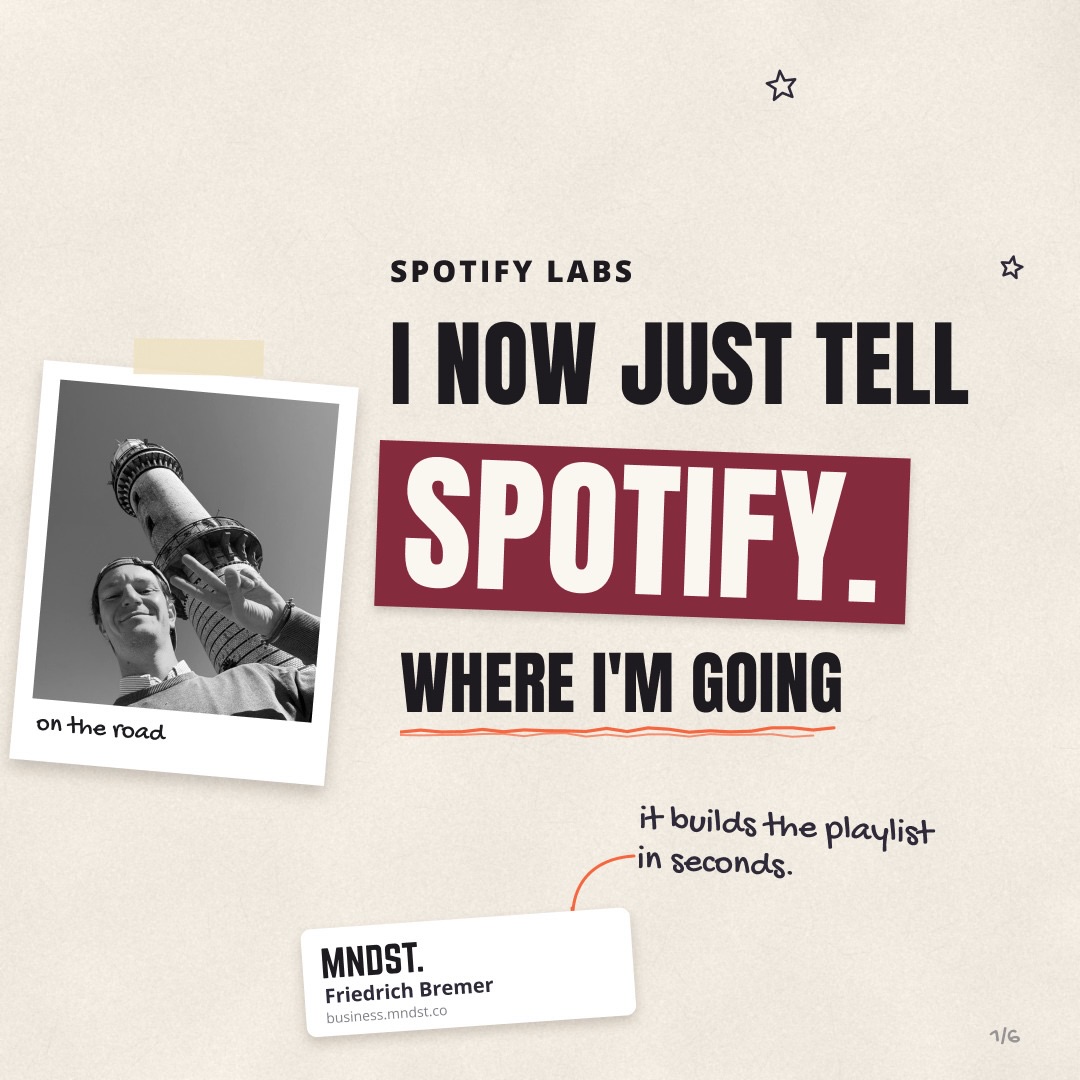
Spotify Labs: Describe the Trip, Not the Genre - slide 1
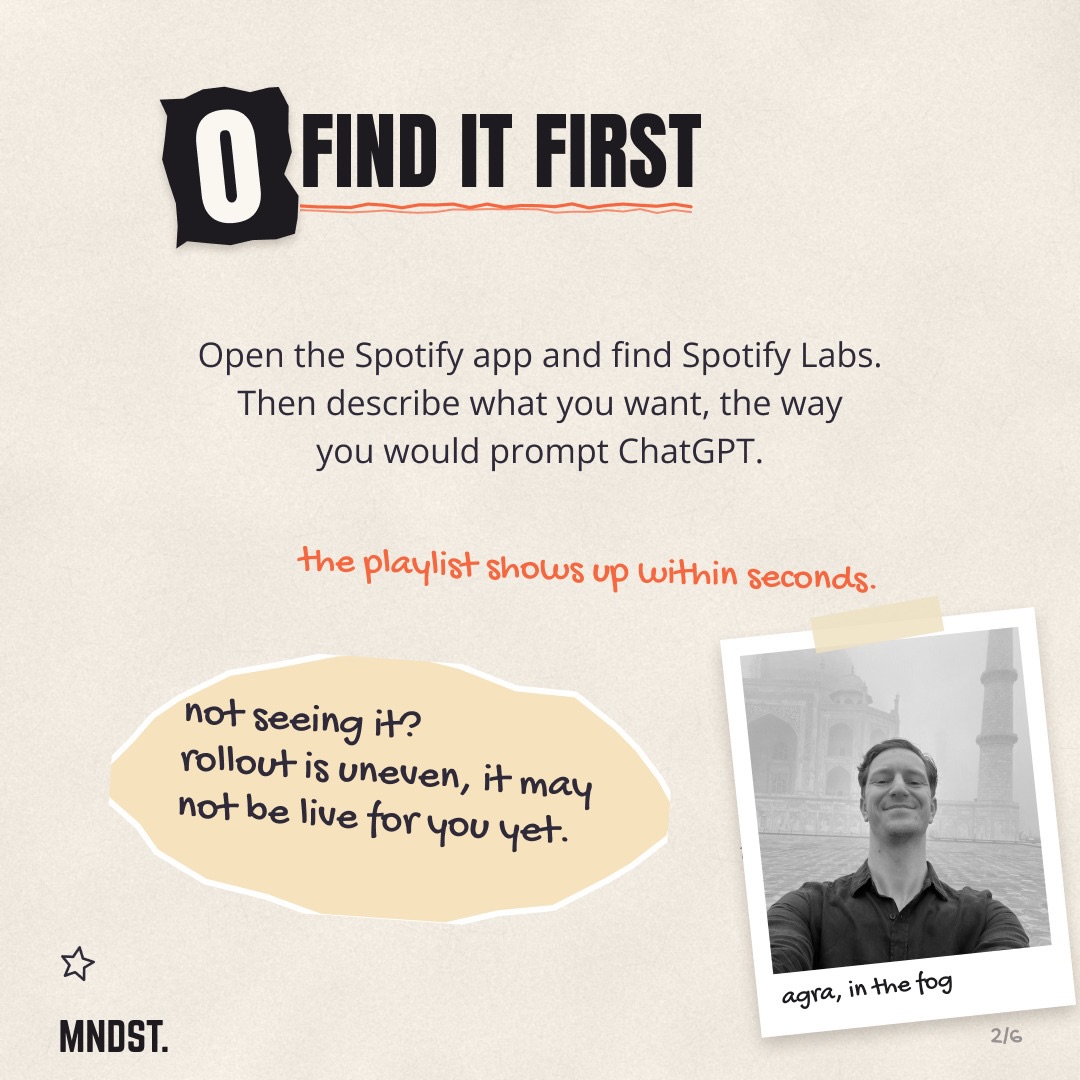
Spotify Labs: Describe the Trip, Not the Genre - slide 2
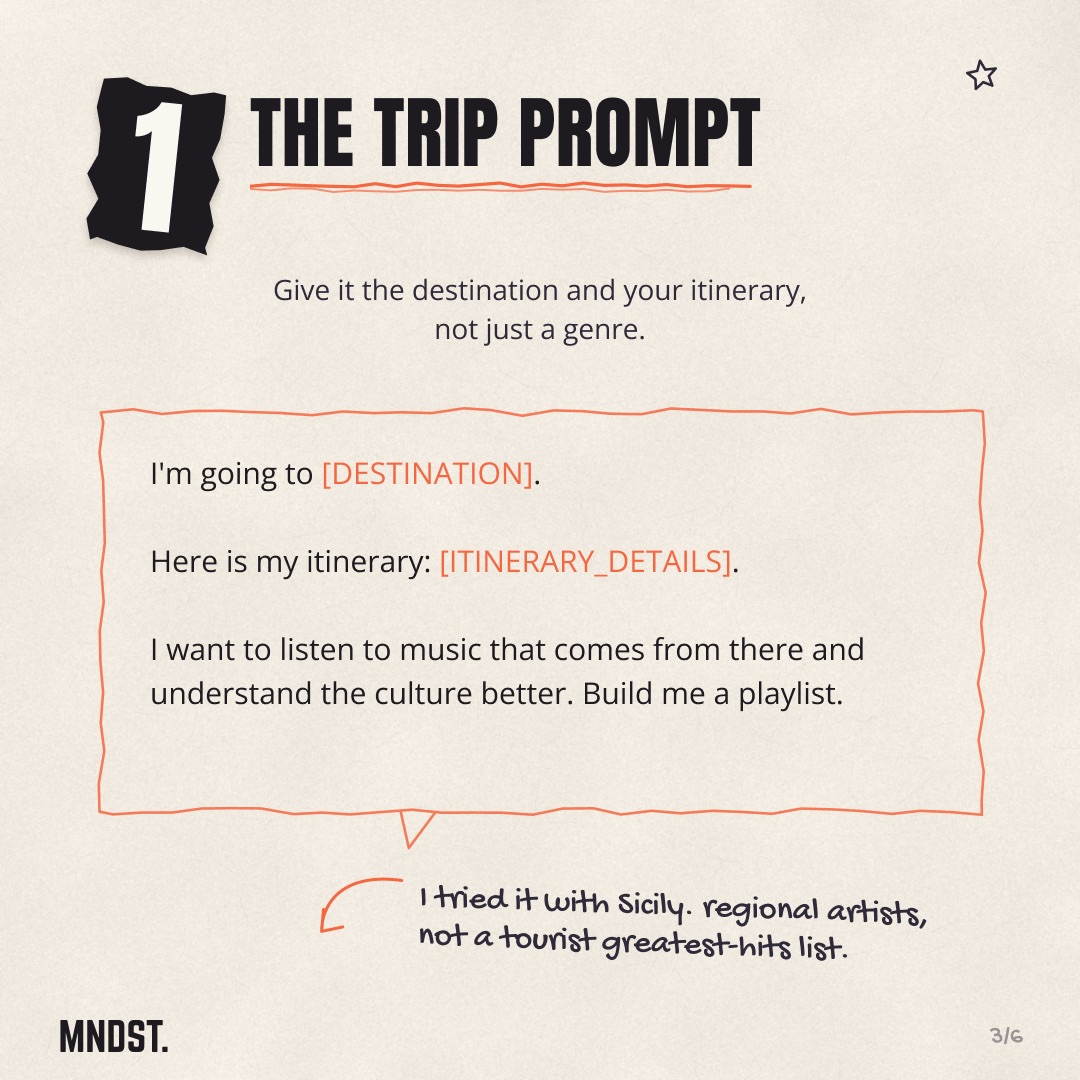
Spotify Labs: Describe the Trip, Not the Genre - slide 3
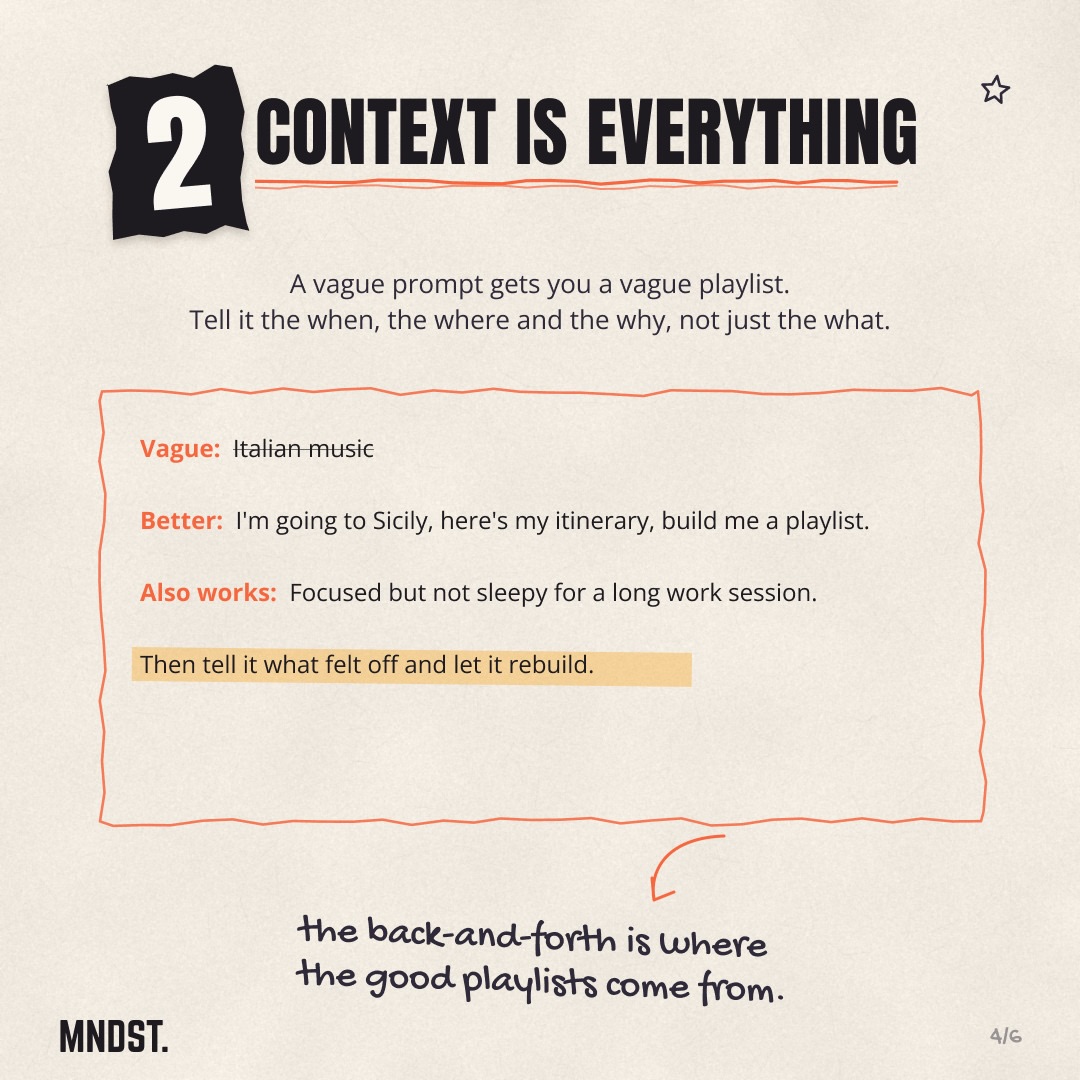
Spotify Labs: Describe the Trip, Not the Genre - slide 4
Spotify Labs: Describe the Trip, Not the Genre - slide 5
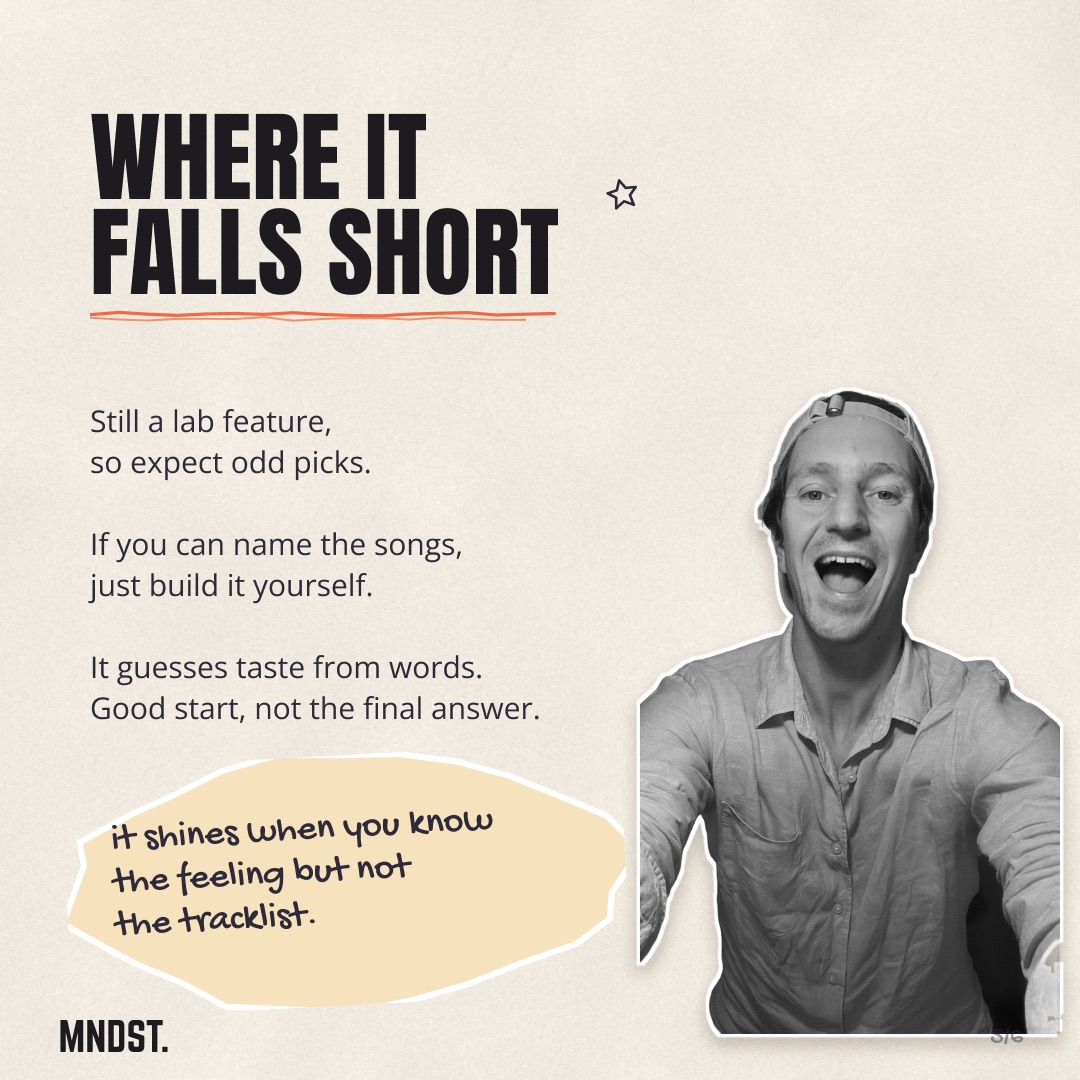
Spotify Labs: Describe the Trip, Not the Genre - slide 6
1/6
AI Tools

Spotify Labs: Describe the Trip, Not the Genre

Spotify Labs builds playlists from plain-language prompts, and the quality depends almost entirely on the context you give it. This page breaks down how to prompt it, when it actually helps, and where it still misses.

Get the prompts and workflow ↓

The short version

  • Context beats genre. Tell it the where, when and why.
  • A travel itinerary pulls back regional artists instead of tourist hits.
  • Treat it like a conversation, not a search bar.
  • If you already know the songs, skip it and build the playlist yourself.
  • It's best when you know the feeling but not the tracklist.

As promised in the reel

Get the prompts and workflow.

The exact thing, ready to use. Copy it, change the parts in [BRACKETS], go.

Prompt

Spotify Labs trip playlist prompt

In the reel: “Comment LABS and I'll send you the prompt.”

Gets you regional, culturally relevant music for a trip instead of a tourist greatest-hits list.

I'm going to [DESTINATION].
Here is my itinerary: [ITINERARY_DETAILS].
I want to listen to music that comes from there and understand the culture better. Build me a playlist.

How to use it: Open Spotify Labs in the Spotify app, paste this in, and fill in your destination and itinerary before sending.

Prompt

Spotify Labs occasion playlist prompt

In the reel: “Also works: Focused but not sleepy for a long work session.”

Builds a playlist around a feeling or occasion when you know the vibe but not the tracklist.

Build me a playlist for [OCCASION / ACTIVITY].
I want it to feel [DESIRED_FEELING], and not [WHAT_TO_AVOID].
For example: focused but not sleepy for a long work session.

How to use it: Paste into Spotify Labs. Swap in your own occasion and the feeling you want, then refine by telling it what felt off.

Rebuilt from what the reel shows. Swap in your own details.
Workflow

Spotify Labs playlist workflow

In the reel: “How it works, when it actually helps, and where it still falls short.”

The full process for turning a plain-language description into a usable playlist.

Describe what you want the way you would prompt ChatGPT, then refine through back-and-forth.

  1. 1Open the Spotify app and find Spotify Labs.
  2. 2Describe what you want in plain words, giving the when, the where and the why, not just the genre.
  3. 3For a trip, include the destination and your full itinerary.
  4. 4Send it and wait a few seconds for the playlist to appear.
  5. 5Tell it what felt off and let it rebuild.
  6. 6Repeat the back-and-forth until the playlist fits.
  7. 7If you can already name the songs you want, skip Labs and build the playlist yourself.

How to use it: Follow in order inside the Spotify app. If you don't see Labs, the rollout is uneven and may not be live for you yet.

Rebuilt from what the reel shows. Swap in your own details.

Going deeper

The search bar was always the wrong tool

Searching Spotify for "Italian music" gives you what everyone else searched for. The same twenty songs, ranked by popularity, wearing a different cover photo.

Spotify Labs flips the input. Instead of matching keywords, it reads a description and guesses at the feeling behind it.

That shift matters more than it sounds. You stop hunting for a playlist that already exists and start describing one that doesn't yet.

Context is the whole game

A vague prompt gets a vague playlist. "Italian music" and "I'm going to Sicily next week, here's my itinerary, I want to understand the place through its music" are two completely different requests.

The second one gave me regional Sicilian artists. Not the greatest-hits-of-the-Mediterranean compilation a tourist gets handed.

My read is that the more real detail you feed it, the less it falls back on the obvious. Tell it the when, the where and the why. The genre sorts itself out.

The prompt that worked for Sicily

Here's the structure I used. Destination, then itinerary, then intent.

"I'm going to [destination]. Here is my itinerary: [details]. I want to listen to music that comes from there so I understand the culture better. Build me a playlist."

The itinerary line is the part people skip. It's also the part that makes the result feel specific to your trip instead of generic to the country.

The back-and-forth is where it gets good

First draft is rarely the keeper. That's fine. It's supposed to be a conversation.

Tell it what felt off and let it rebuild. Too sleepy for a long drive. Too modern, go older. Less of this one artist, more field recordings.

I keep seeing people treat the first output as the verdict. The good playlists come from the second and third pass, after you've corrected its guesses.

Where it still falls short

It's a lab feature, so expect odd picks. It's guessing taste from words, and sometimes the guess is just wrong.

If you can already name the songs you want, don't bother. Building that playlist by hand is faster than explaining it.

It earns its place in one specific spot: when you know the mood, the moment, the vibe you're after, but you have no idea what tracks live there. Good starting point, not the final answer.

One more thing - the rollout is uneven. If you don't see Labs in your app yet, it may just not be live for you.

Want to go deeper?

Let's look at it together.

One call, one on one. We take this and apply it to your account or your workflow.

Book a call

Further reading