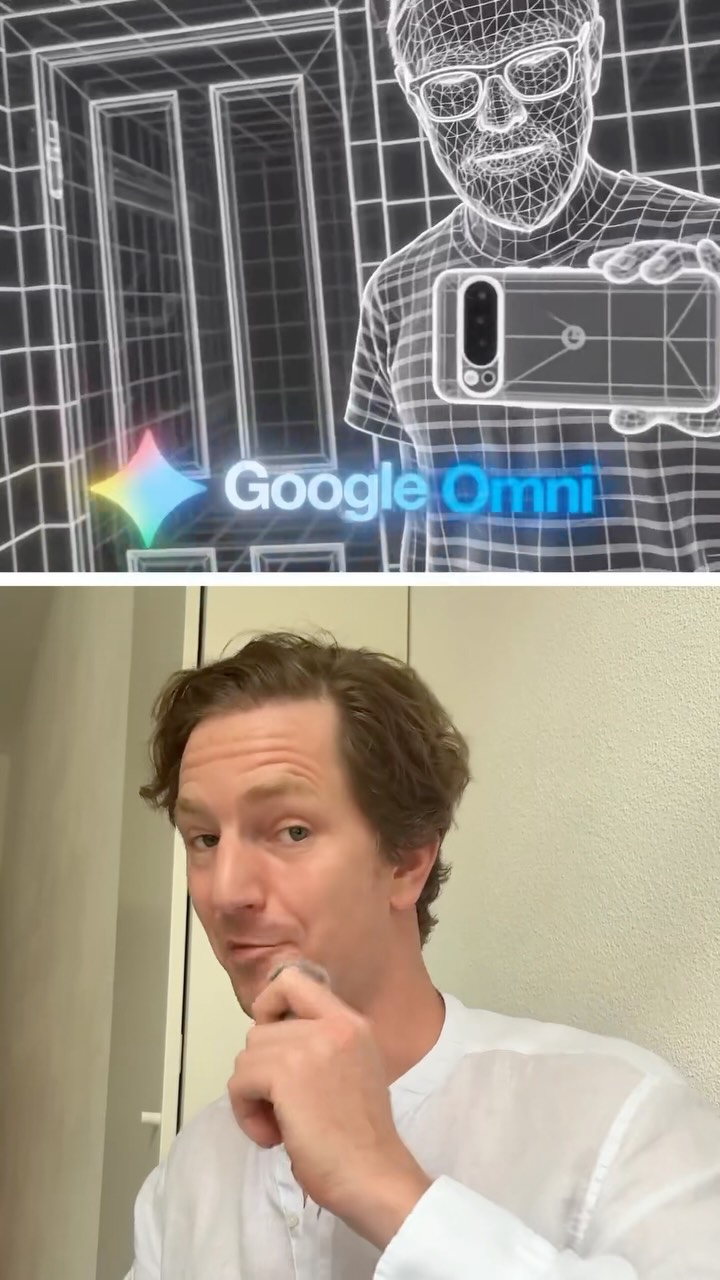
AI Tools

Google Gemini Omni: One Model for Video, Editing, and Character Consistency

A closer look at what Google Gemini Omni actually does for content creators. Text to video, video to video editing, and characters that stay the same across a project - all inside the Gemini app and Google Flow.

The short version

  • Omni handles text to video, video to video editing, and native audio in one model.
  • Character consistency means your subject looks the same across an entire session.
  • You can access it right now in the Gemini app, Google Flow, or via the developer API.
  • Editing works through plain conversation instead of timelines and keyframes.

Going deeper

One tool instead of five

Most creators are stitching together a mess of subscriptions right now. One tool for the video, another for editing, a third for voice, a fourth to keep faces from morphing between clips.

Omni collapses a lot of that into a single model. It processes text, image, audio, and video at the same time, so the output holds together instead of feeling like four apps taped end to end.

My read is that the appeal here is less about any one feature and more about not having to export and re-import your work six times.

Character consistency is the part that matters

Character consistency is where most AI video quietly falls apart. You generate a great first shot, then the second shot gives your subject a slightly different face, and the whole thing reads as fake.

Omni keeps a stable representation of a character across the generation session. Once it locks onto your subject, that subject stays recognizable clip to clip.

For anyone building a series, a recurring mascot, or a faceless brand character, this is the difference between a usable asset and a fun demo you never ship.

Editing by conversation, not timeline

The video to video editing works through plain language. You describe the change you want and it applies it, step by step, the way you would ask a person.

No keyframes. No hunting through nested menus. You say what should be different and it references what is already on screen.

I keep seeing people underestimate how much this lowers the barrier. The skill shifts from software knowledge to knowing what you actually want the shot to say.

Where to actually find it

Omni is live in a few places, and the easiest is the Gemini app. Open it and you can start using the model right away, no waitlist theater.

It also runs inside Google Flow, which is the more serious environment if you are building longer or more controlled sequences. Developers can reach it through the Gemini API for anyone wiring it into their own workflow.

One honest caveat - generative video is still generative video. It gets details wrong, physics can wobble, and you will re-roll shots. Treat it as a fast draft engine, not a hands-off button, and it earns its place.

Want to know more?

Book a call.

One hour, one on one. We go deep on this and apply it to your specific situation.

Book a Call

Sources