AI Tools

ElevenLabs Flows: Building AI Content Without the Wiring Nightmare

A breakdown of ElevenLabs Flows, the node-based canvas that connects image, video, and audio models in one place. What it actually does, where it fits, and why the visual approach matters.

The short version

  • Flows is a node-based canvas that connects multiple AI models without code
  • You can chain image, video, text-to-speech, lip-sync, and sound in one place
  • Visual editing beats juggling five separate tools and copy-pasting outputs
  • It lives inside ElevenLabs, so audio and video stay in the same room
  • Best used when you have a repeatable content shape, not one-off experiments

Going deeper

What Flows Actually Is

Flows is a node-based creative canvas that lives inside ElevenLabs. You drop nodes onto a canvas, wire them together, and each node handles a piece of the work.

One node generates an image. Another animates it into video. Another adds voice, sound effects, or lip-sync. The connections between them carry the output forward.

My read is that the real shift is not the models themselves. It is that they finally sit in one room instead of scattered across five browser tabs.

Why Node-Based Beats the Old Way

Most people build AI content the manual way. Generate an image in one tool, download it, upload it somewhere else, wait, download again, then hunt for a voice tool.

Every handoff is a place to lose time and lose track of versions.

A node graph removes the handoffs. You see the whole pipeline at once, and when you change the input at the top, the change flows down through every connected step. That is the quiet advantage. Not speed on a single task, but the ability to run the same structure again and again.

The Models You Can Wire In

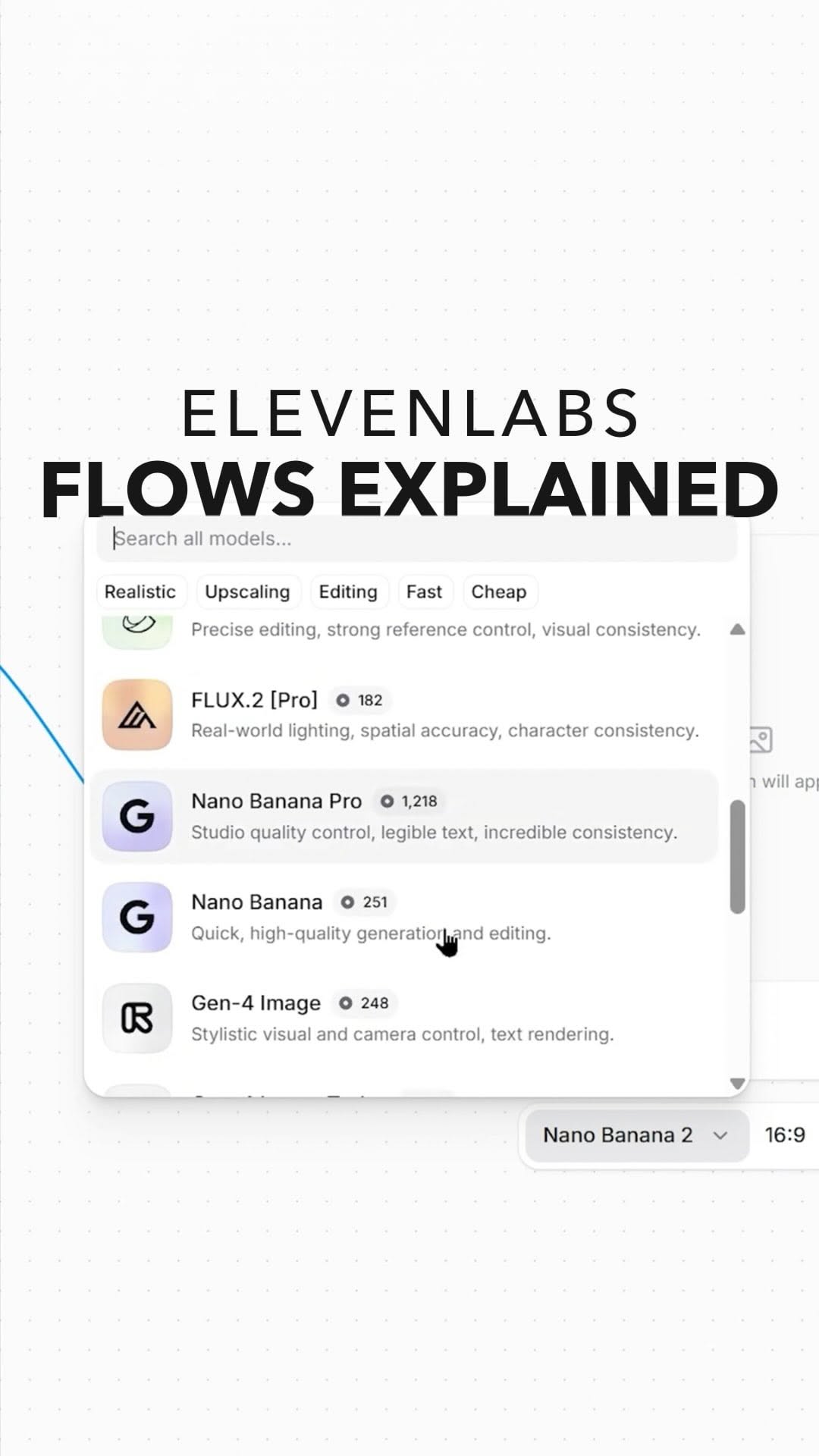
Flows connects image generation, video, text-to-speech, lip-sync, sound effects, and music. In practice that means pulling in models like Gemini for reasoning or image work and stacking video generation on top.

You are not locked into one model for everything. You pick the right tool for each node.

That matters because no single model wins at all four jobs. Image quality, motion, and voice each have different leaders, and Flows lets you assemble the best-of instead of settling.

Where It Fits In Real Work

Flows earns its keep when you have a repeatable content shape. Think product ads, short explainer clips, or a series of scenes that all follow the same recipe.

Build the graph once. Swap the inputs. Run it again.

For a genuine one-off, honestly, sometimes a single tool is faster than wiring a whole canvas. I keep seeing people over-engineer a flow for something they will make once. The payoff is in repetition, so save the canvas for the work you will actually repeat.

The Honest Limits

No visual editor removes the hard part, which is taste. Flows makes assembly easier, but it still generates whatever you point it at.

A clean pipeline producing mediocre prompts just gives you mediocre output faster.

So treat it as plumbing, not a creative director. The tool connects the pieces. Deciding what those pieces should say and show is still on you, and that is where most of the quality actually comes from.

Want to know more?

Book a call.

One hour, one on one. We go deep on this and apply it to your specific situation.

Book a Call

Sources