Automation

Connect Claude to Canva and Skip the Blank Canvas

A practical breakdown of the Claude and Canva connector, and how to turn a text prompt into a fully editable design without opening a blank file. Covers the setup, where it actually saves time, and where you still have to step in.

The short version

  • Claude can build a full design and push it straight into your Canva account as an editable file.
  • The connector lives in Claude's settings - you add Canva once and it stays.
  • This kills the blank-canvas problem, not the editing work.
  • Best used for first drafts and layouts, then you finish by hand in Canva.
  • Describe intent, not just style, and the output gets far closer to usable.

Going deeper

What the integration actually does

Claude can now create a Canva design from inside a conversation and export it to your account. Layout, content, visual hierarchy - it structures the whole thing and hands you back a file you can open and edit.

The key word is editable. This is not a flat image you screenshot. It lands in Canva as a real design with movable elements, so you keep full control after the fact.

My read is that this closes the gap between "I know what I want" and "I have something to work with" - which is usually where most of the friction sits.

Setting it up once

You connect Canva as a connector inside Claude before any of this works. Go to the connectors panel, link your Canva account, approve access, and it stays connected for future chats.

That is a one-time thing. After the first setup you just describe what you want and Claude builds it, no reconnecting each time.

Small detail that trips people up: you need to be logged into the Canva account you actually want the design saved to. Export goes to whatever account is linked.

Where it earns its keep

The blank canvas is the real enemy for most people, not the design skill. Staring at an empty file, choosing a size, guessing at layout - that is where the hours quietly go.

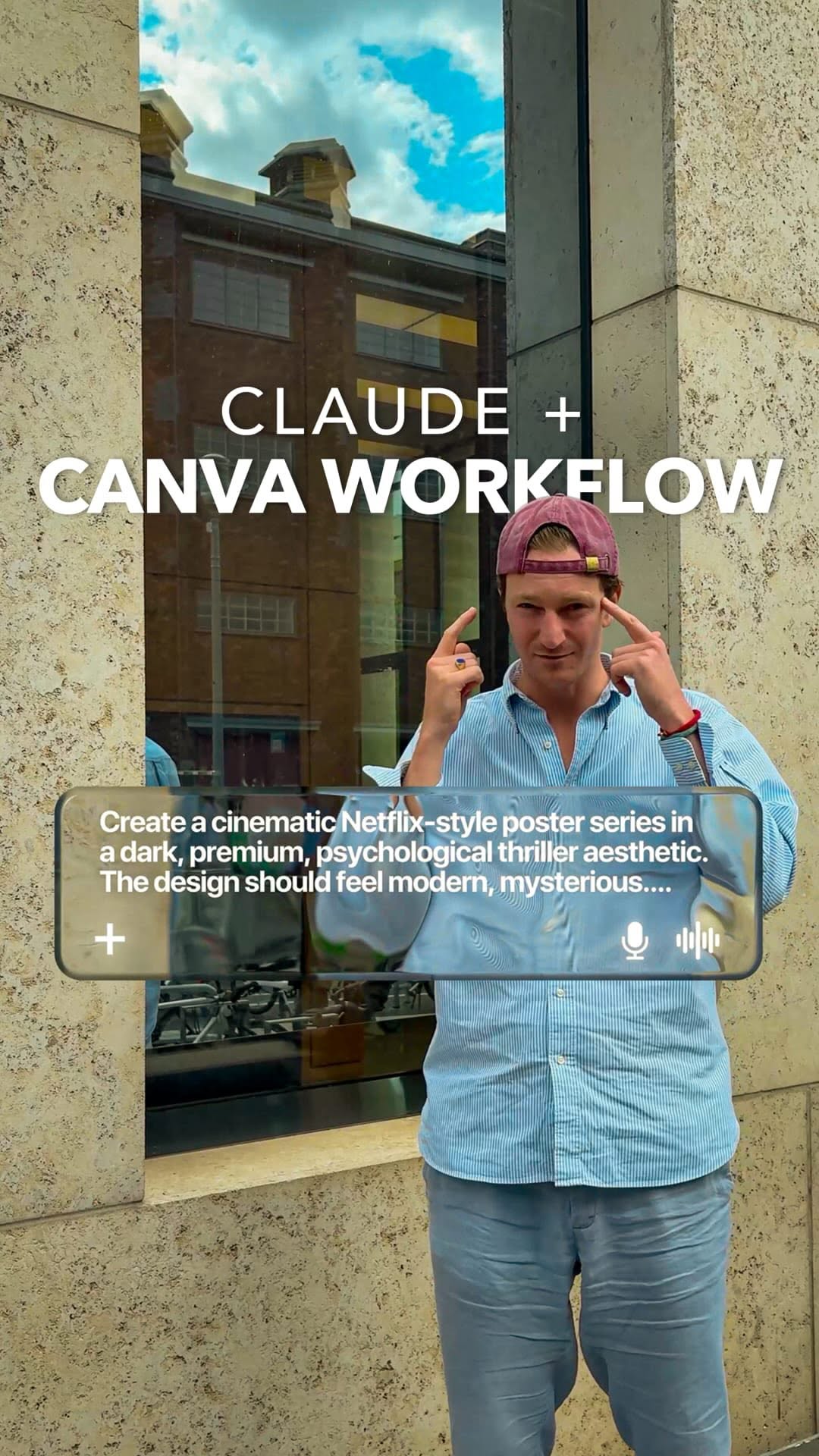
Claude handles that opening move. I tested it on cinematic posters and the value was not perfection, it was momentum. In a few seconds I had a structured starting point instead of a blinking cursor.

Think of it less like a designer replacement and more like a strong first draft that gets you 70 percent of the way there.

Where you still do the work

The export is a starting point, not a finished product. You will almost always go into Canva and adjust - spacing, a font choice, an image swap, the little things AI still gets slightly wrong.

That is fine. The point was never full automation. It was removing the slowest part and letting you spend your energy on the finishing touches that actually matter.

I keep seeing people expect the first output to be publish-ready. It rarely is, and treating it like a draft instead of a deliverable is what makes the workflow feel fast rather than frustrating.

Prompting it well

Describe intent, not just aesthetics. "Make it nice" gets you nothing. "A dark cinematic movie poster, title centered, one line of subtext at the bottom, moody lighting" gets you something you can actually use.

Give it purpose too. Tell it whether this is a launch announcement, a quote graphic, a title card. Context shapes the layout more than adjectives do.

The more specific your prompt, the less cleanup you do in Canva later. That trade is the whole game - a minute of clear writing saves ten minutes of dragging boxes around.

Want to know more?

Book a call.

One hour, one on one. We go deep on this and apply it to your specific situation.

Book a Call

Sources