Library
AI Tools

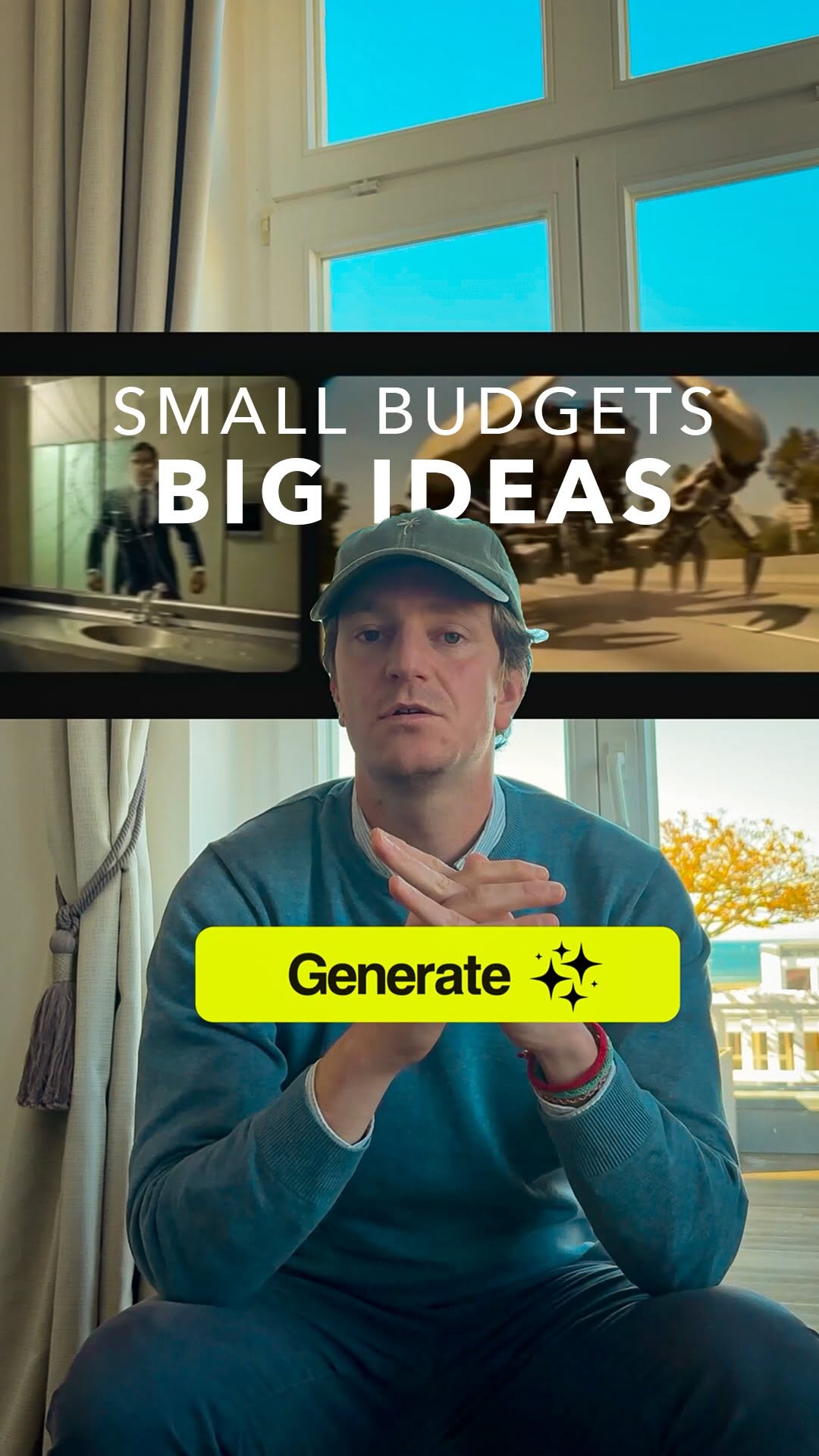
Making Ads With a Laptop and Some AI Tokens

A breakdown of how AI video tools let you produce professional ad creative without hiring a production agency. Covers the real workflow, the tools worth paying for, and where AI still falls short.

The short version

  • A laptop, an internet connection, and a handful of AI tokens can replace a full production crew.
  • AI shines at generating scenes, people, and objects you could never afford to shoot.
  • Most solid video generators run under $20 a month, not thousands per project.
  • The idea still matters more than the tool - AI just removes the budget excuse.
  • Expect to iterate. First outputs are rarely the ones you ship.

Going deeper

The old math on video ads is broken

A single agency-produced ad used to mean a shoot day, a crew, actors, location fees, and an editor. That easily runs into five figures before anyone sees a cut.

I recently saw a wristband company skip all of it. They used AI to generate the entire ad - different scenes, different people, different objects - and the result looked genuinely clean.

That is what caught my attention. Not the novelty. The fact that the barrier to good creative dropped to almost nothing.

What you actually need to start

A laptop, Wi-Fi, and some tokens. That is the real list.

Tokens are just the credits AI tools charge you per generation. You are not buying equipment or booking people. You are paying for compute, and it is cheap.

Google Veo, for example, gives you 50 free credits a day, and its paid tiers start at around $5 a month. ImagineArt starts at $15. These are the kinds of numbers where a bad take costs you pennies instead of a reshoot.

The tools worth your attention

There is a crowded field right now, and most of it is noise. A few names keep coming up for a reason.

Runway ML and Kling AI handle general video generation well. Creatify is built specifically for ads and spits out variations fast. HeyGen leads when you need a talking-head or spokesperson feel.

My read: pick one for the base video and one for ad-specific variations, and ignore the rest until you have a workflow that works. Collecting tools is not the same as making ads.

Where AI still needs a human

AI does not hand you a finished ad. It hands you raw material.

The first outputs are usually close but not right. A hand looks off, the lighting shifts, the product does not sit where you want it. You generate again, adjust the prompt, and cut the good frames together yourself.

Think of the tool as a very fast intern who never sleeps but needs clear direction. The taste is still yours. The idea is still yours. AI just stops the budget from being the reason you never made it.

Start with the idea, not the software

The wristband ad worked because the concept was good, not because the tool was expensive.

A tiny budget forces you to be sharp about what you are actually saying. That is a feature, not a limitation. You cannot hide a weak idea behind a big production anymore, and you no longer need one to test a strong idea.

So write the concept first. Then let the tokens do the heavy lifting. A big idea with a small budget beats a small idea with a huge one, every time.

Want to go deeper?

Let's look at it together.

One call, one on one. We take this and apply it to your account or your workflow.

Book a call

Sources